Highway Racing Codes and How to Redeem
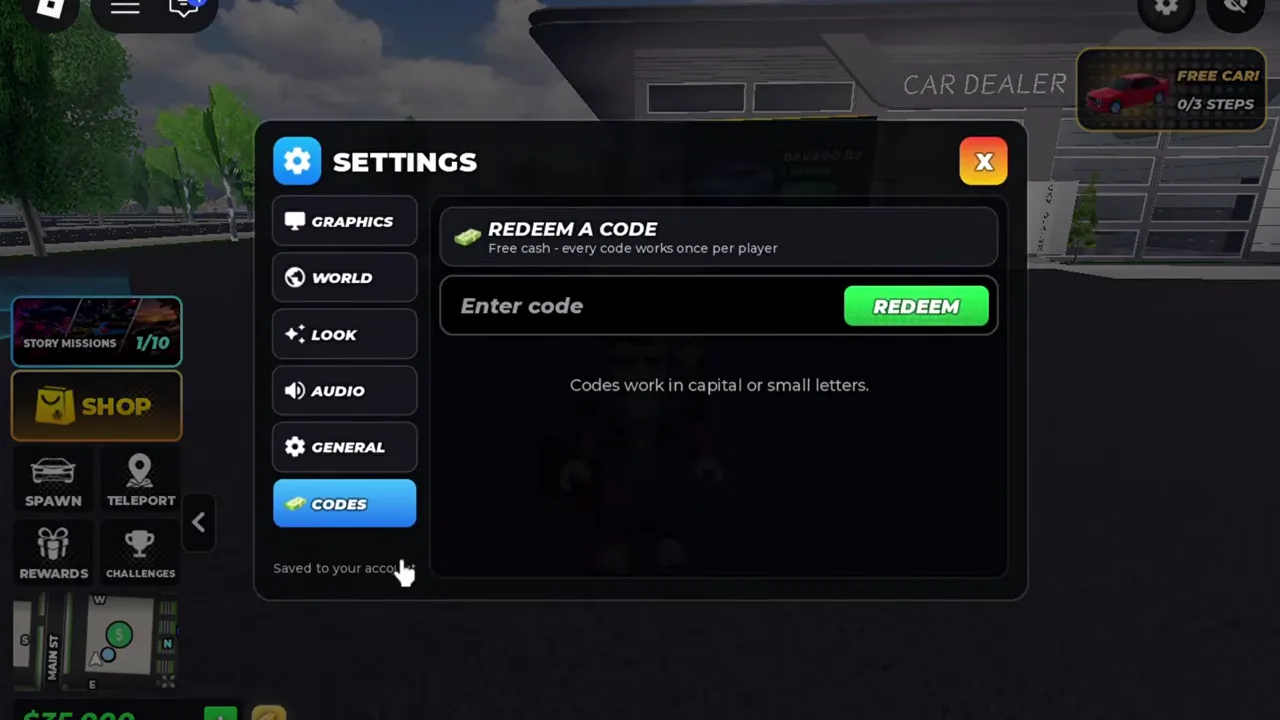
Open the gear icon in the upper-right corner of the screen, select Codes, type your code into the Enter code box, and press Redeem. The official game listing publishes RELEASE, while community trackers report additional cash and boost codes.
How to Redeem Codes in the Settings Menu
Open Settings from the plaza before choosing a car. The Codes tab contains the entry field and Redeem button.
- Launch Highway Racing and wait until you load into the starting plaza or driving view.
- Click or tap the gear icon located at the upper-right corner of the screen.
- Select the Codes tab inside the menu.
- Type a code into the field labeled Enter code.
- Press Redeem to submit the entry.
Official and Community-Reported Code List
Only RELEASE appears directly on the official Roblox experience description. All other code strings and exact payout amounts come from community reports on Roblox Den and PGG as of the 19 November 2026 source review. Because developers can change or retire rewards without updating the store text, treat community figures as reported estimates rather than permanent guarantees.
| Code | Source Status | Reported Reward |
|---|---|---|
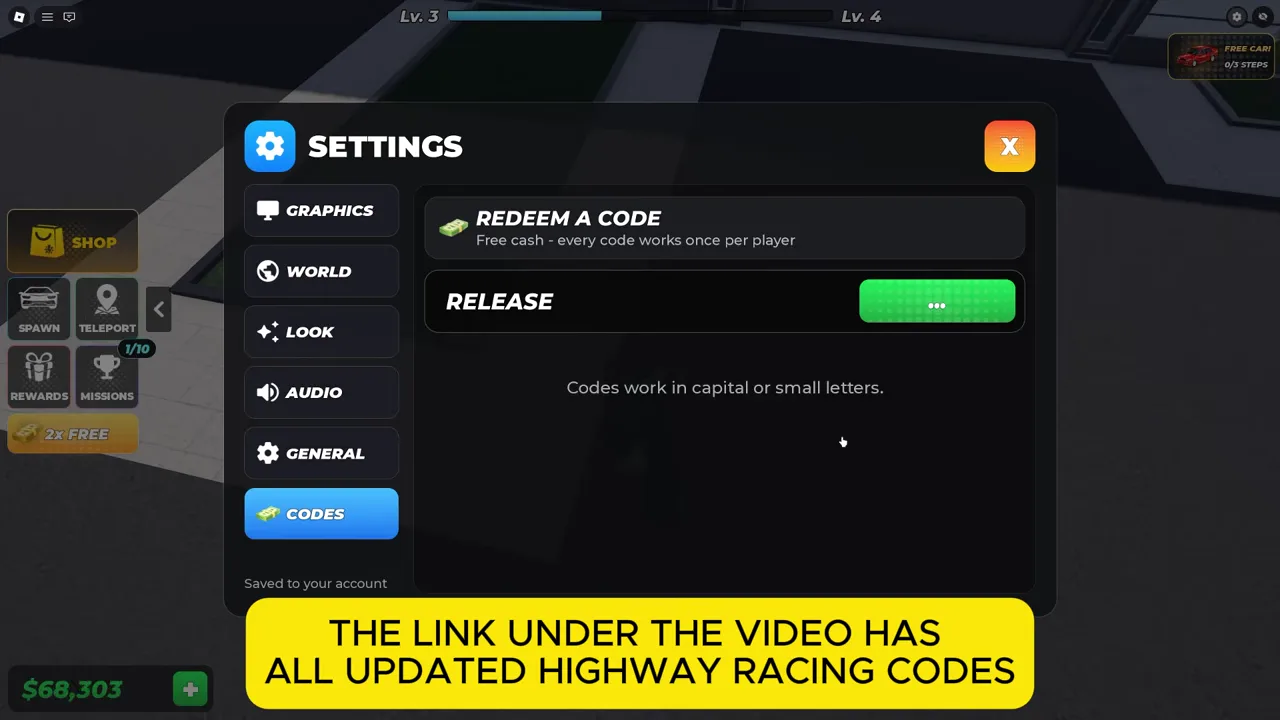
| RELEASE | Official listing (reward value via Roblox Den) | 10,000 Cash (community report) |
| GOAL | Community report (Roblox Den / PGG) | 50,000 Cash. Pro Game Guides also reports double cash for 10 minutes. |
| Highway | Community report (Roblox Den) | 15,000 Cash |
| Secret | Community report (Roblox Den) | 20,000 Cash |
Checking Spelling and Unconfirmed Entries
Enter each code using the exact capitalization shown in the table above: RELEASE and GOAL in all capital letters, and Highway and Secret with only the first letter capitalized as listed by Roblox Den. Avoid trailing spaces when pasting into the Enter code box.
The game developer does not publish an expiration schedule or specify whether an account can submit a code more than once after server updates. If a code does not credit your balance after matching the exact letter case, it may have been deactivated or already claimed on your profile.